
01
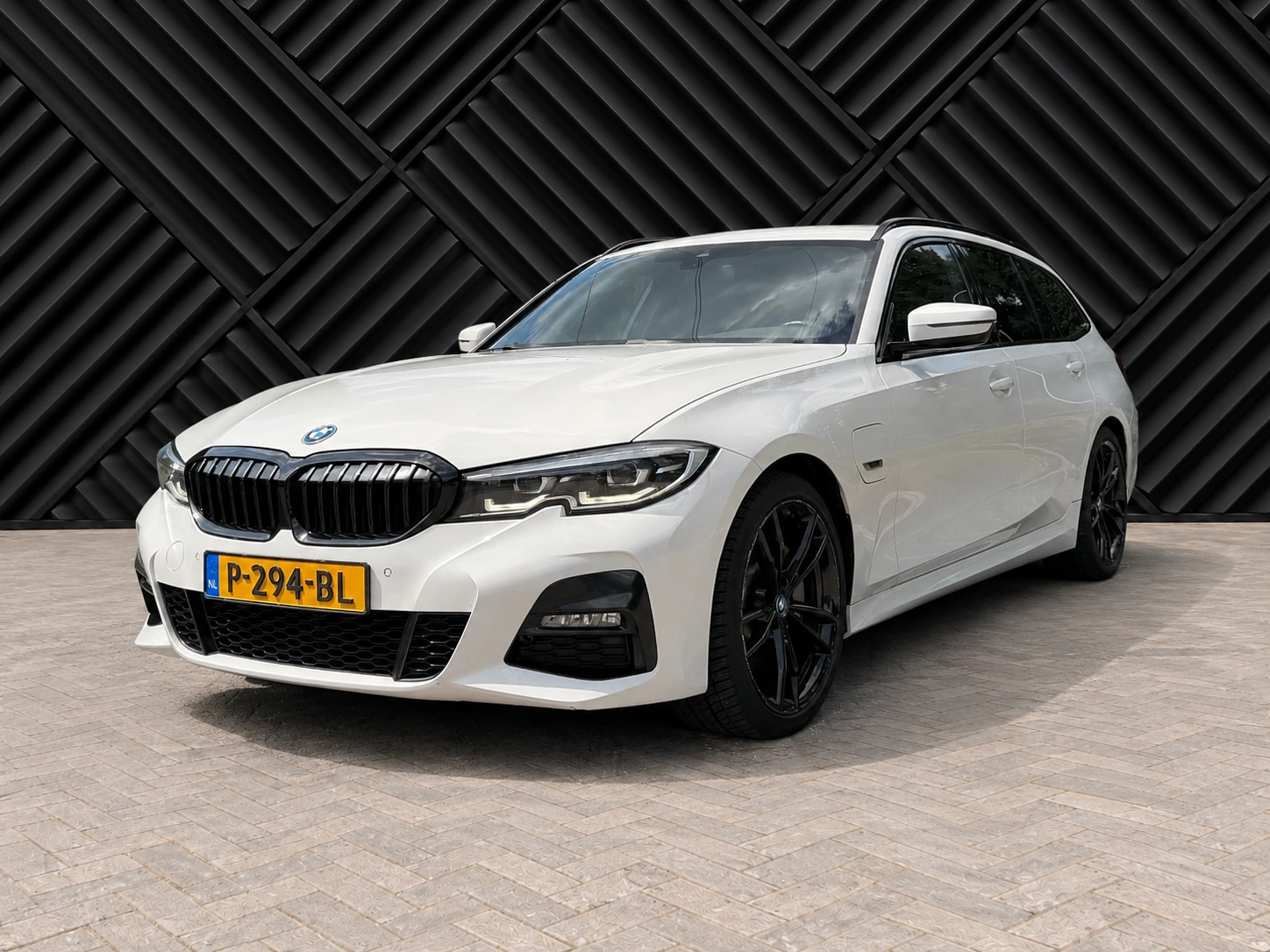
Black ChevronGraphic. Bold. Distinctive.Professional car photos for your dealership. Turn your own shot into a consistent studio image, ready for your inventory.
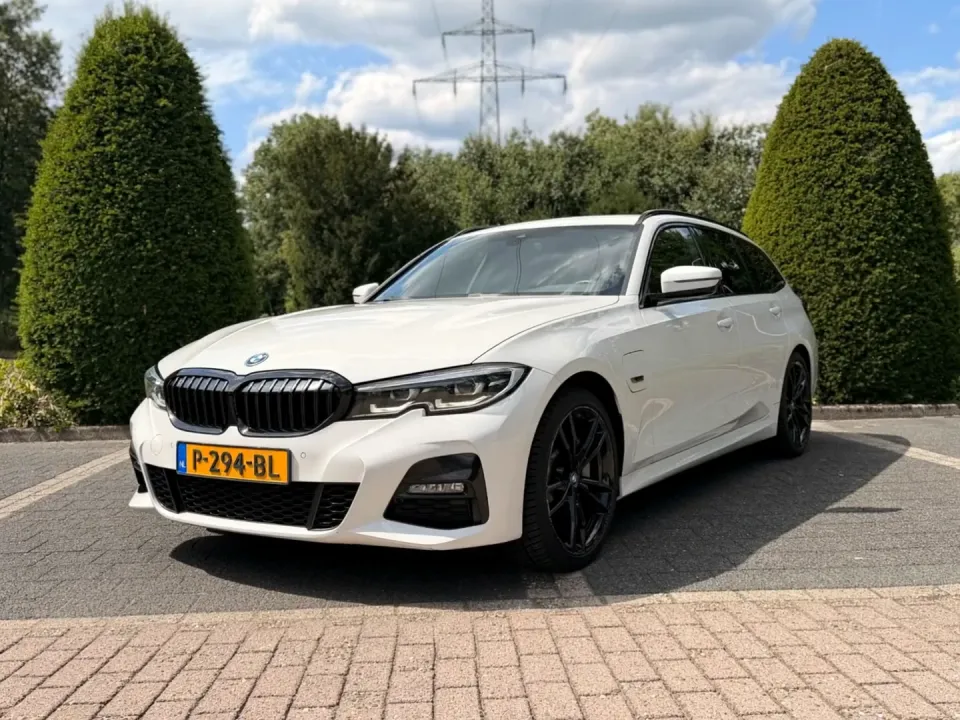
Focus on what you’re selling. Drag across the photo to see the difference a clean setting makes.
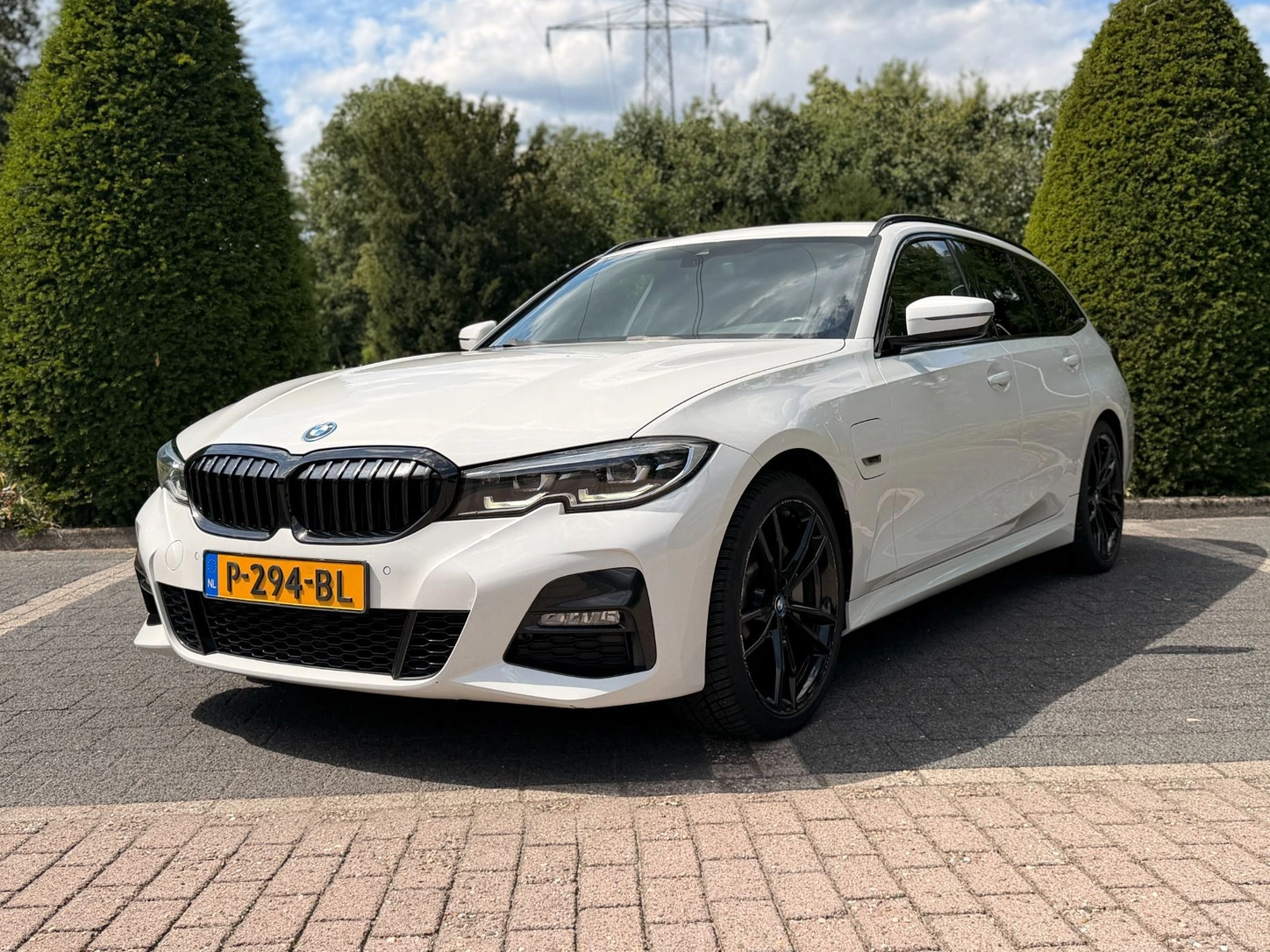
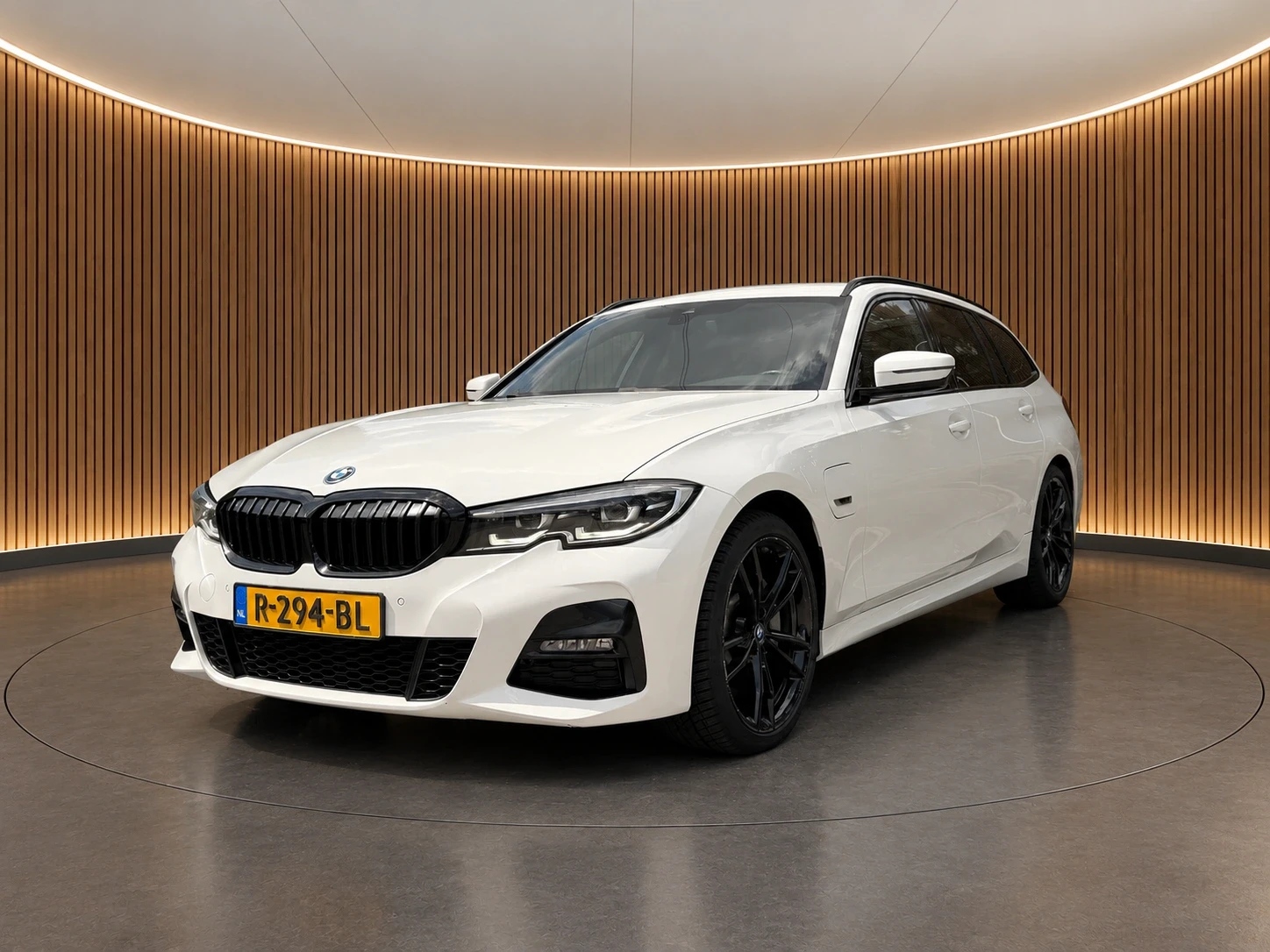
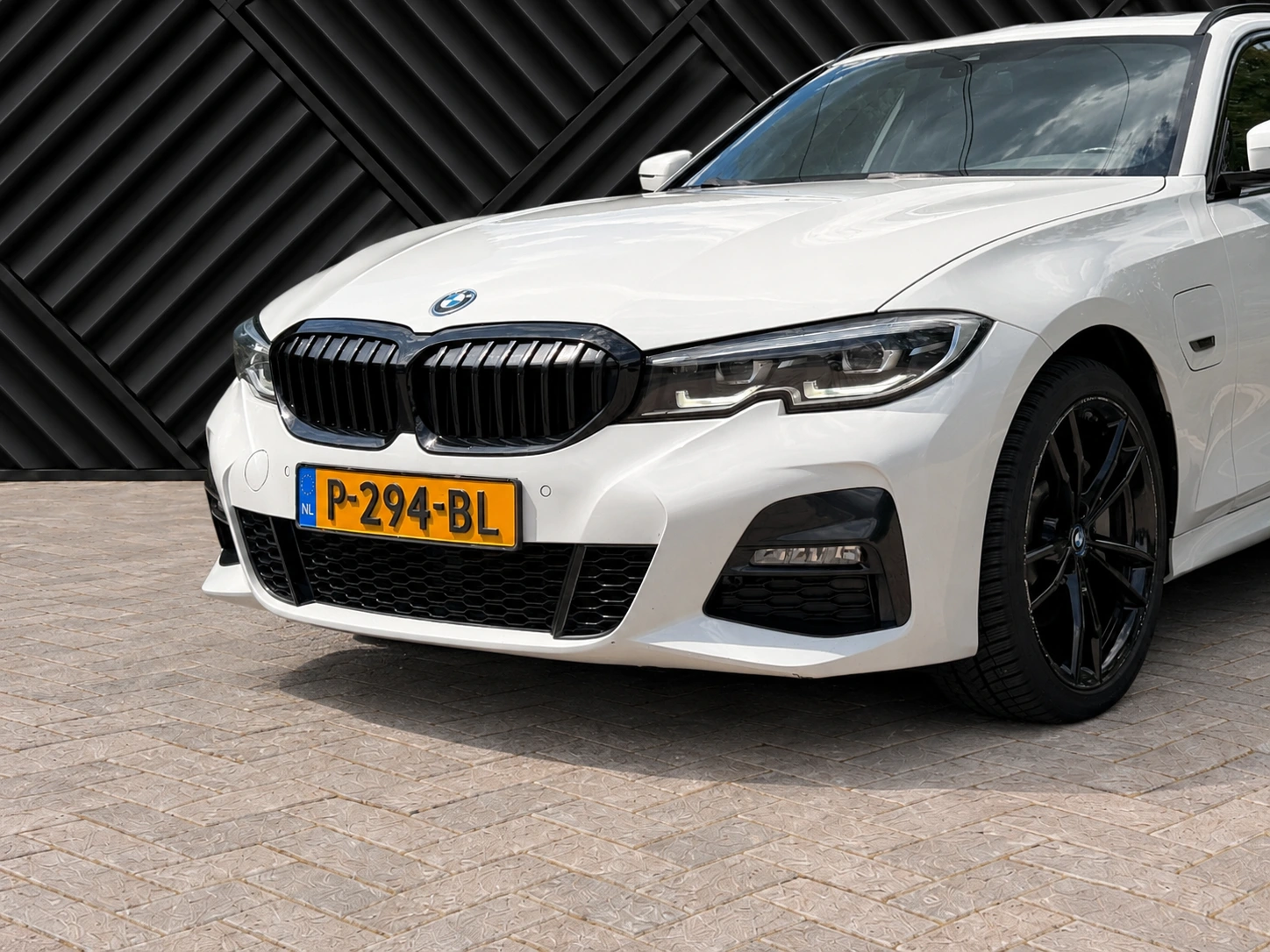
Our own original photo, processed with the new Black Chevron background. Review every AI result before publishing.
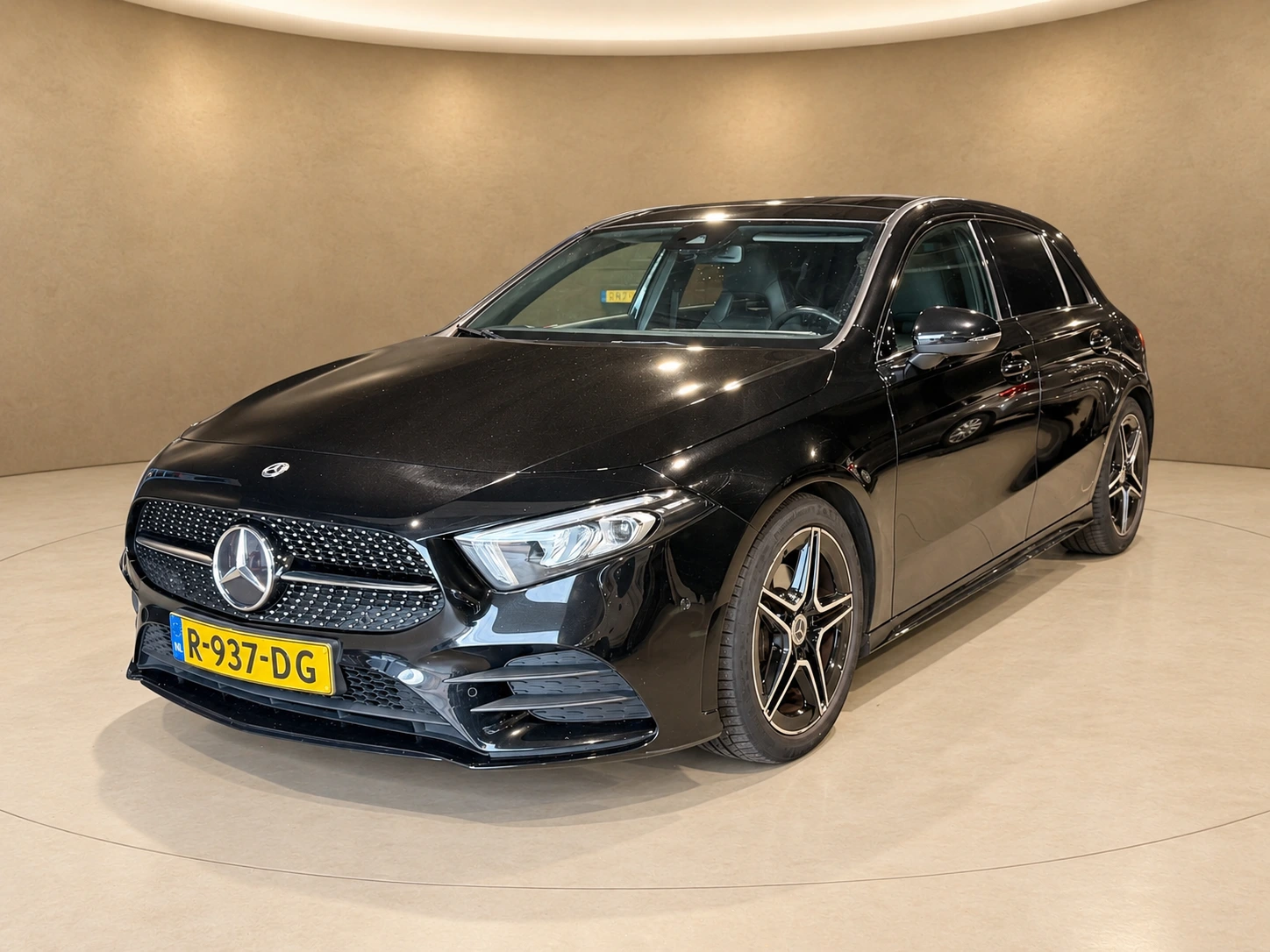
Warm oak, black chevron, technical rubber tiles or warm sandstone. Choose the setting that makes your stock recognisable.
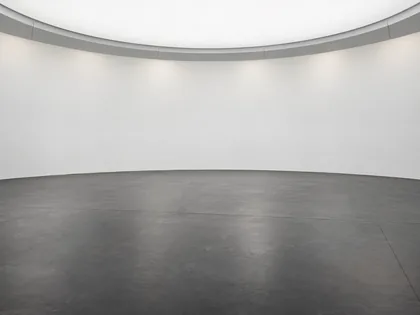 Witte lichtboog
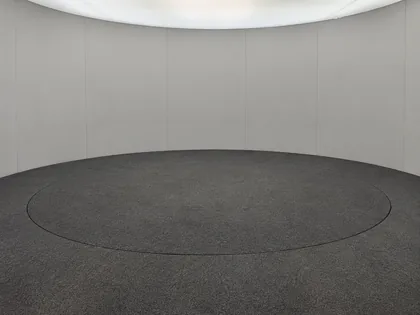 Graphite Studio
 Soft Grey Studio
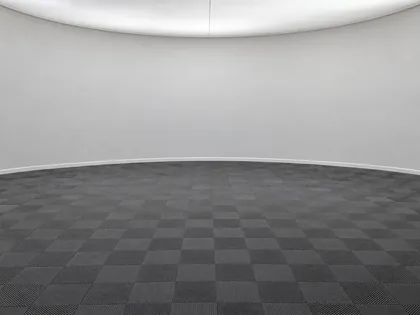 Rubber Grid Studio
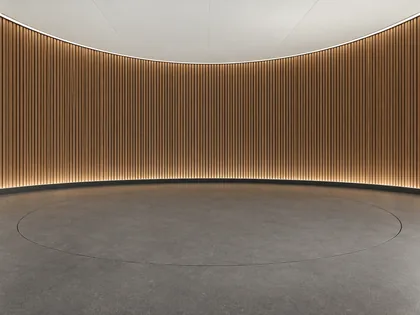 Oak Lounge
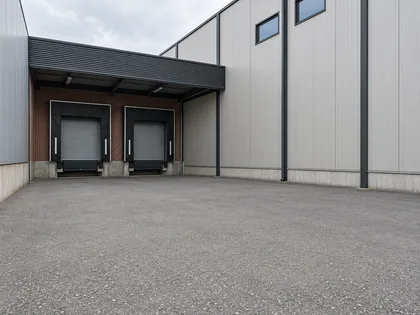 Industrial Dock
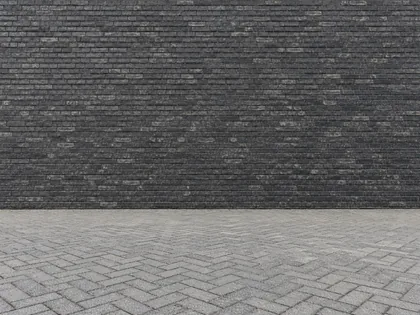 Charcoal Brick
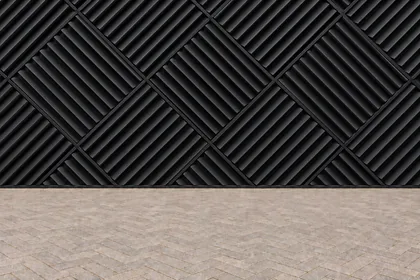 Black Chevron
 Champagne Cove
 Obsidian Gloss
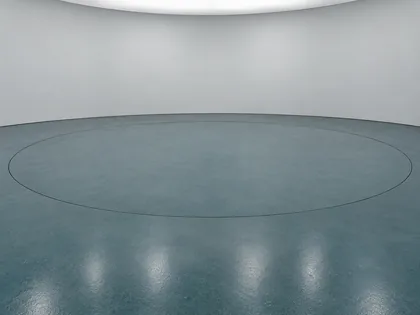 Petrol Turntable
 Silver Sweep
 Silver Halo
 Cloud Ceiling
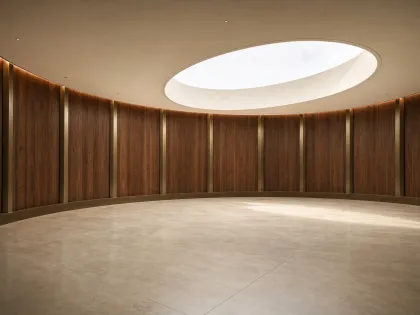 Walnut Grand Atrium
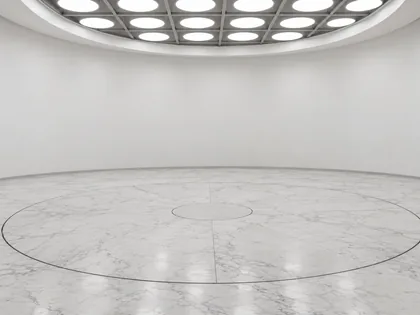 Marble Light Dome
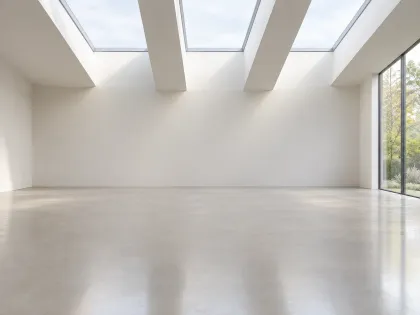 Daylight Gallery
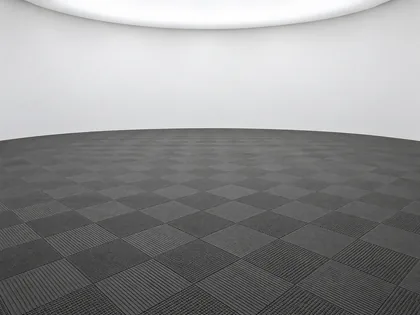 Rubber Diamond
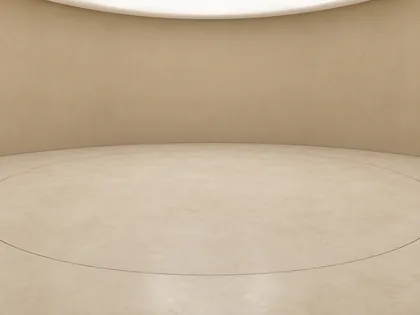 Sandstone Circle
 Taupe Atelier
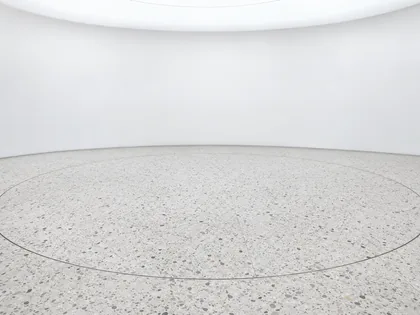 Terrazzo Halo
 Ice White Infinity
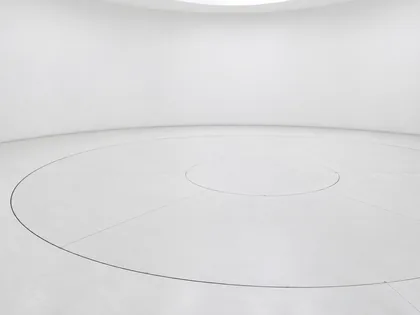 Porcelain Turntable
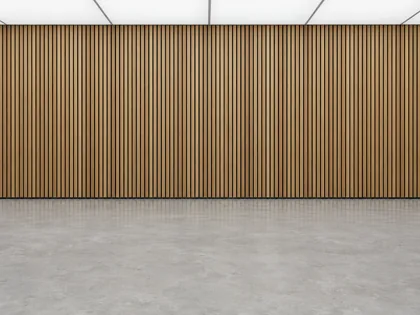 Oak Rhythm
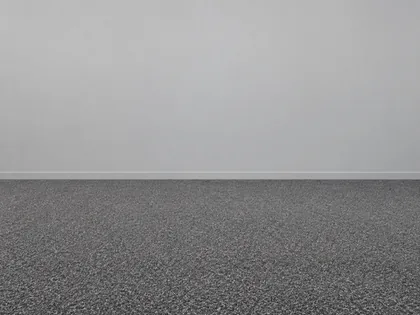 Grey Fleck Studio
 Ivory Daylight
 Nordic Oak
 Concrete Atelier
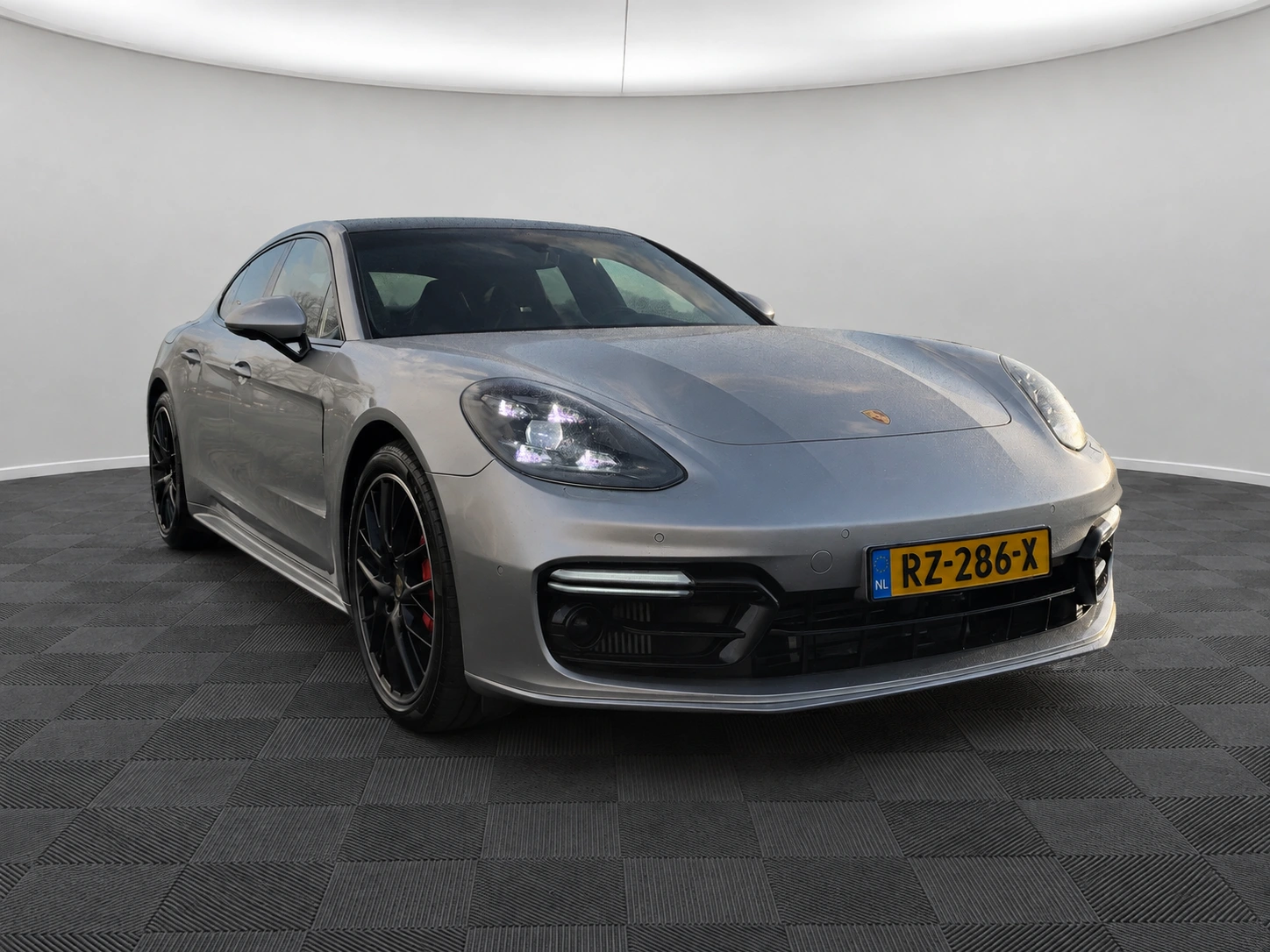
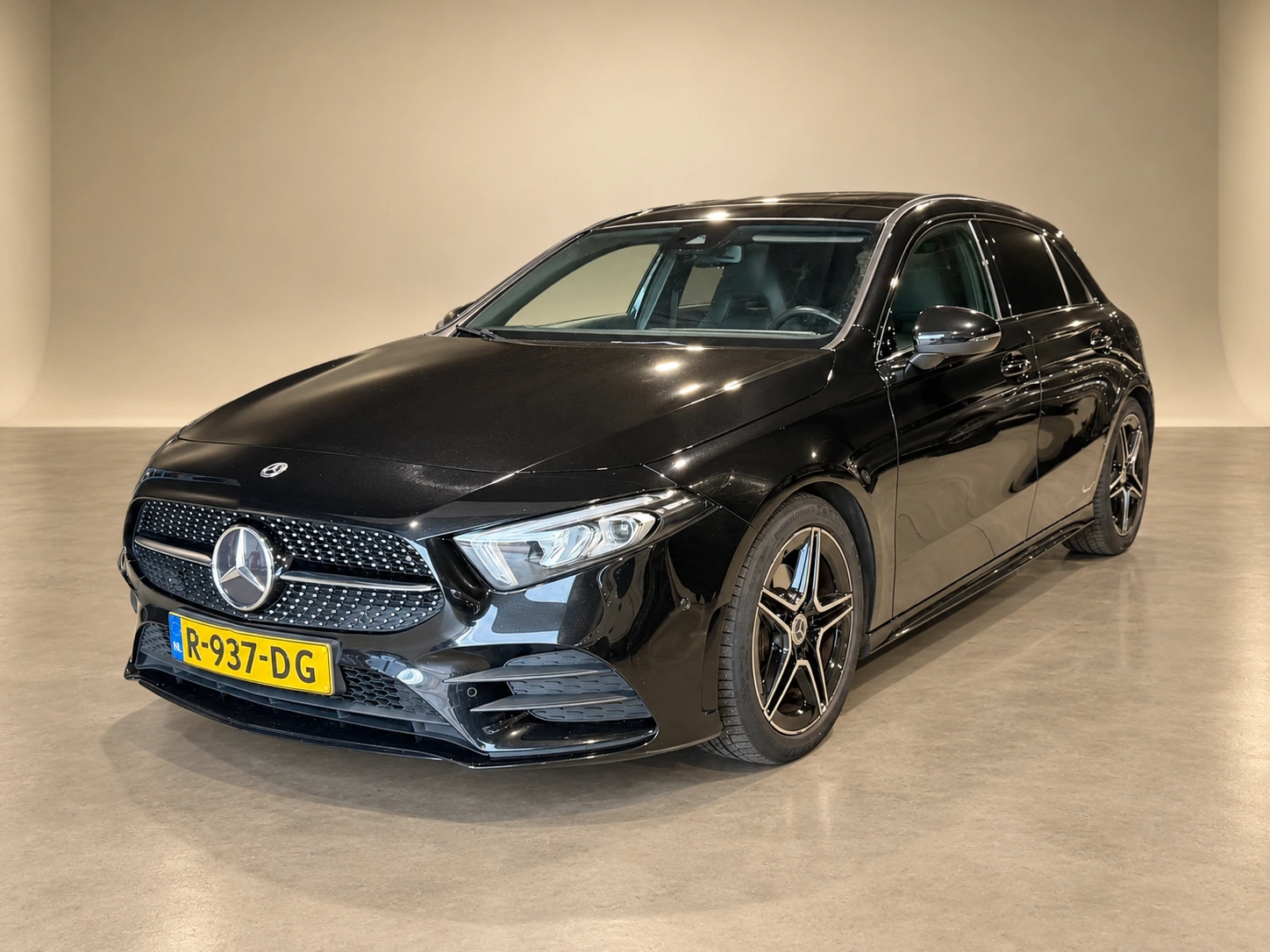
Our own car photos, processed with the new backgrounds. Compare every result with its original.
Three steps, one workspace.
Upload your photos, choose your look
and review the results.
01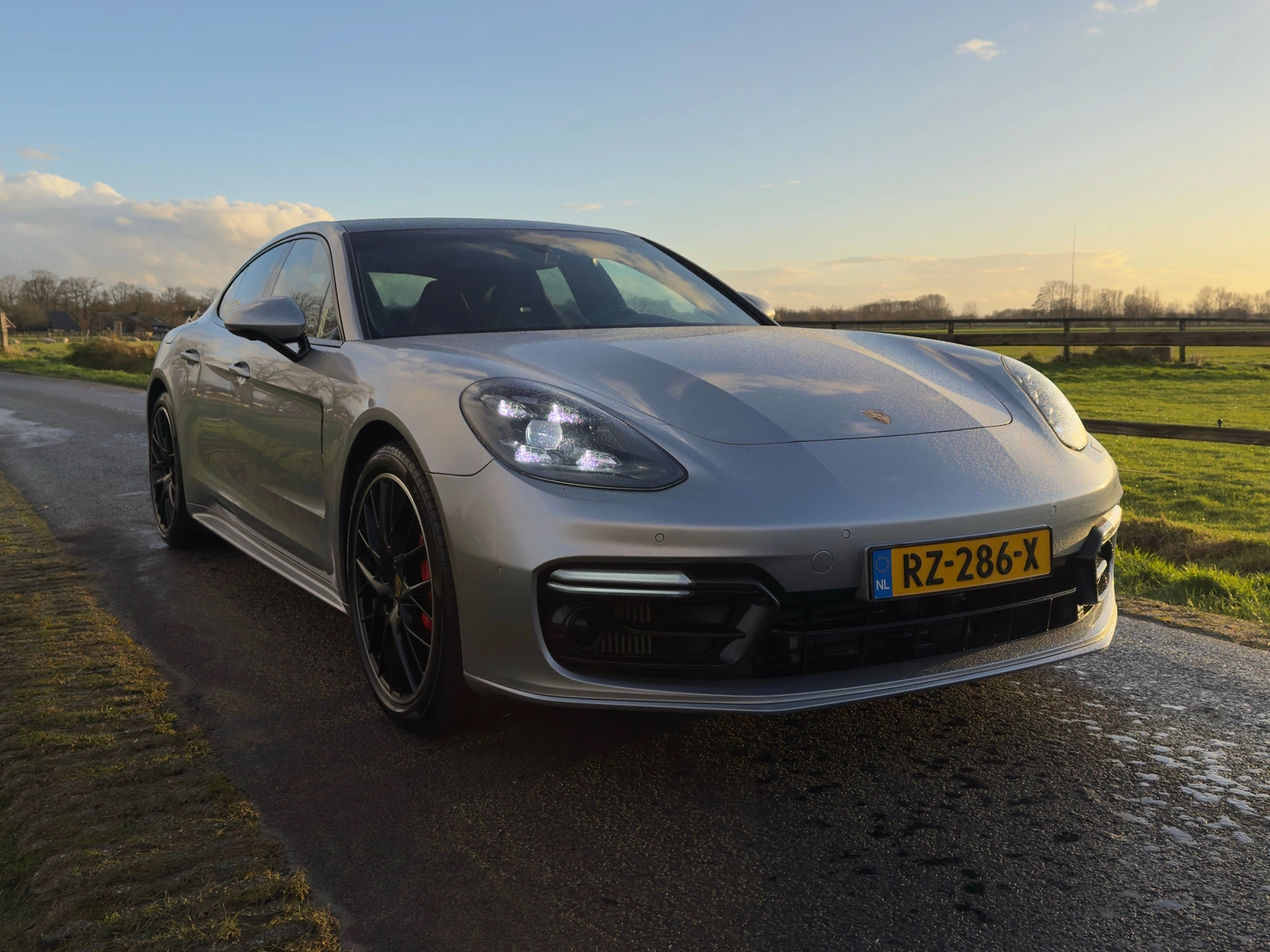 02
02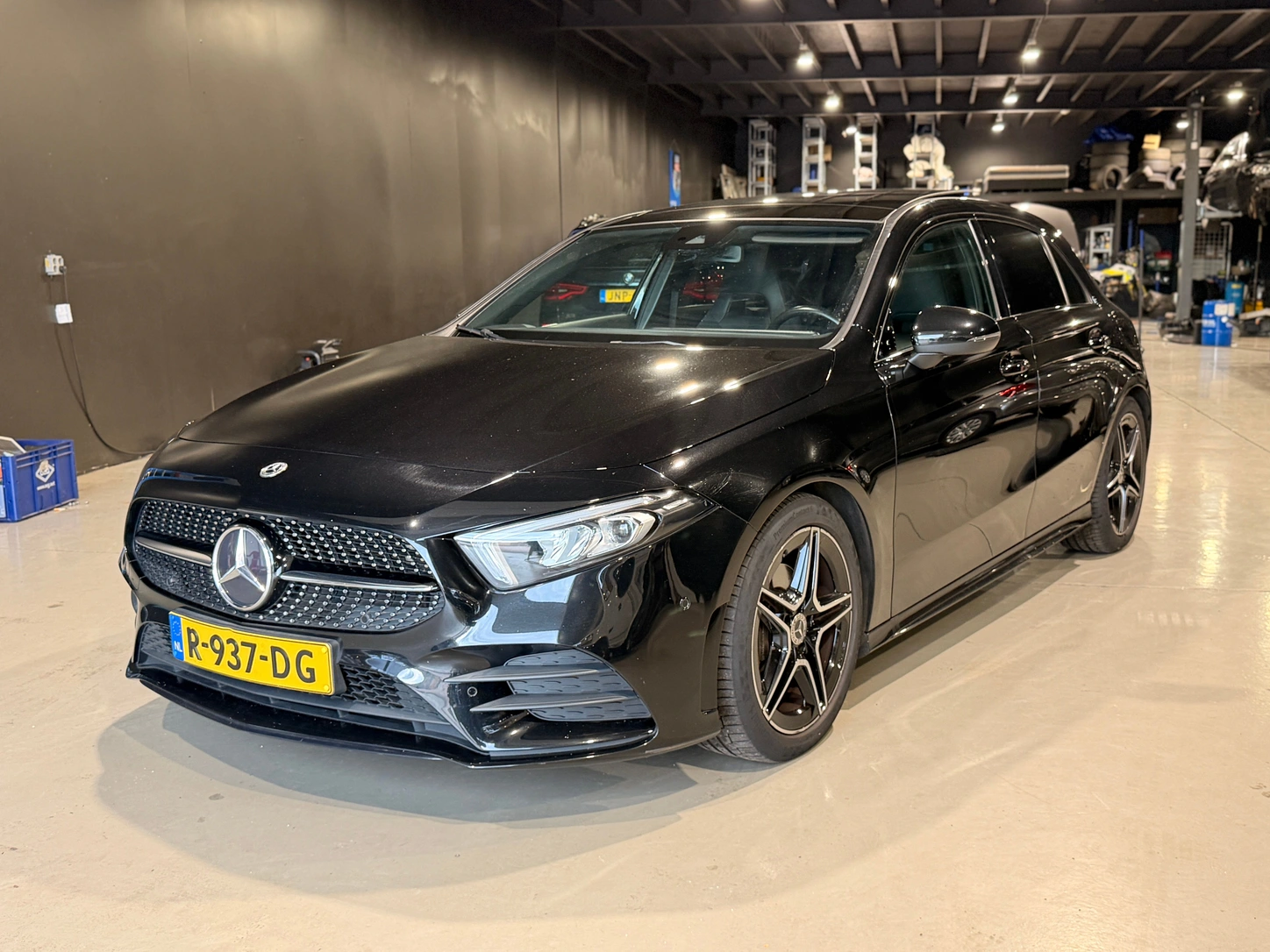 03
03Select up to twelve of your own photos.
Choose your background and review every result.
A calm setting.
A strong presentation.
All attention on your inventory.
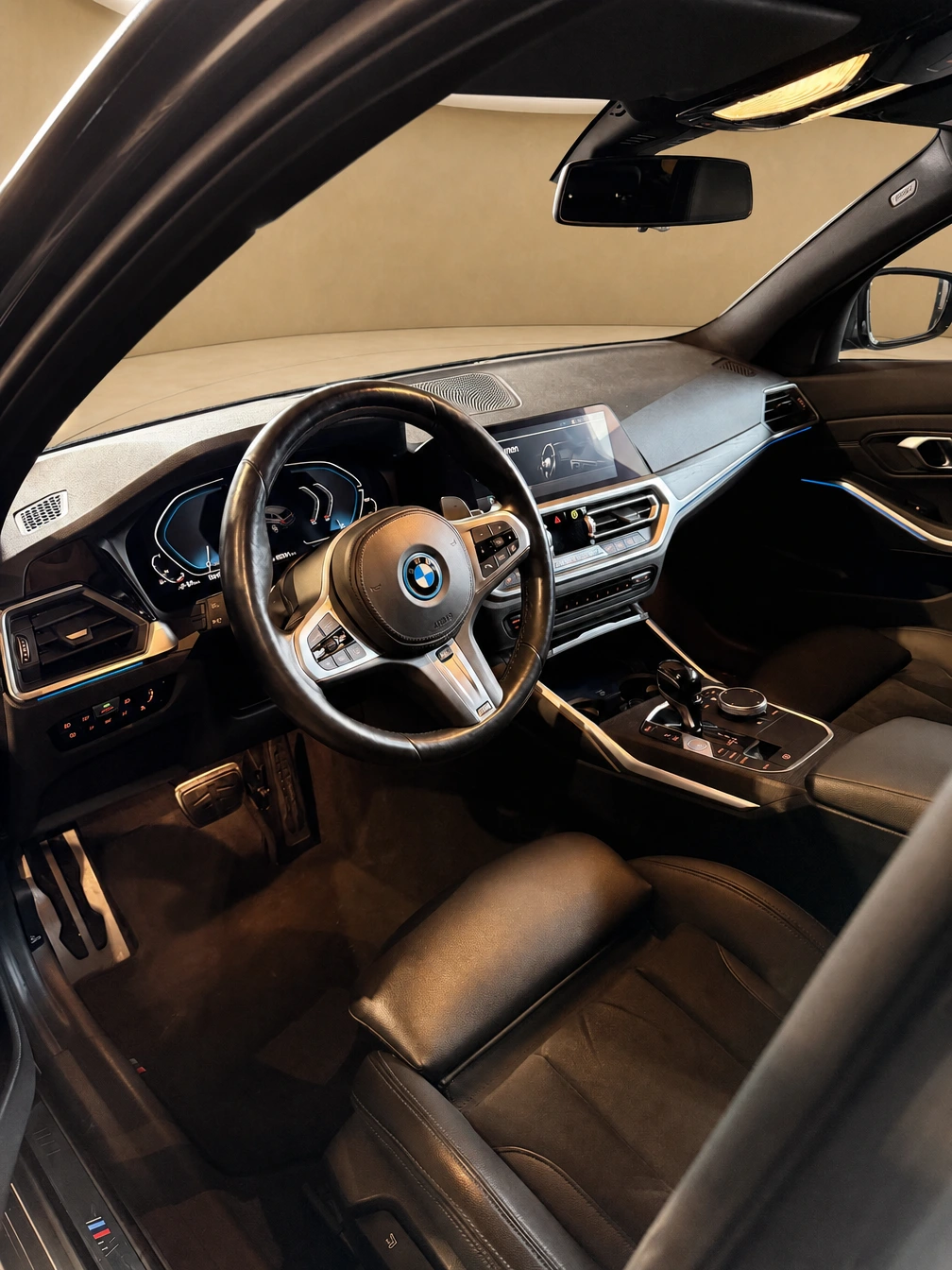
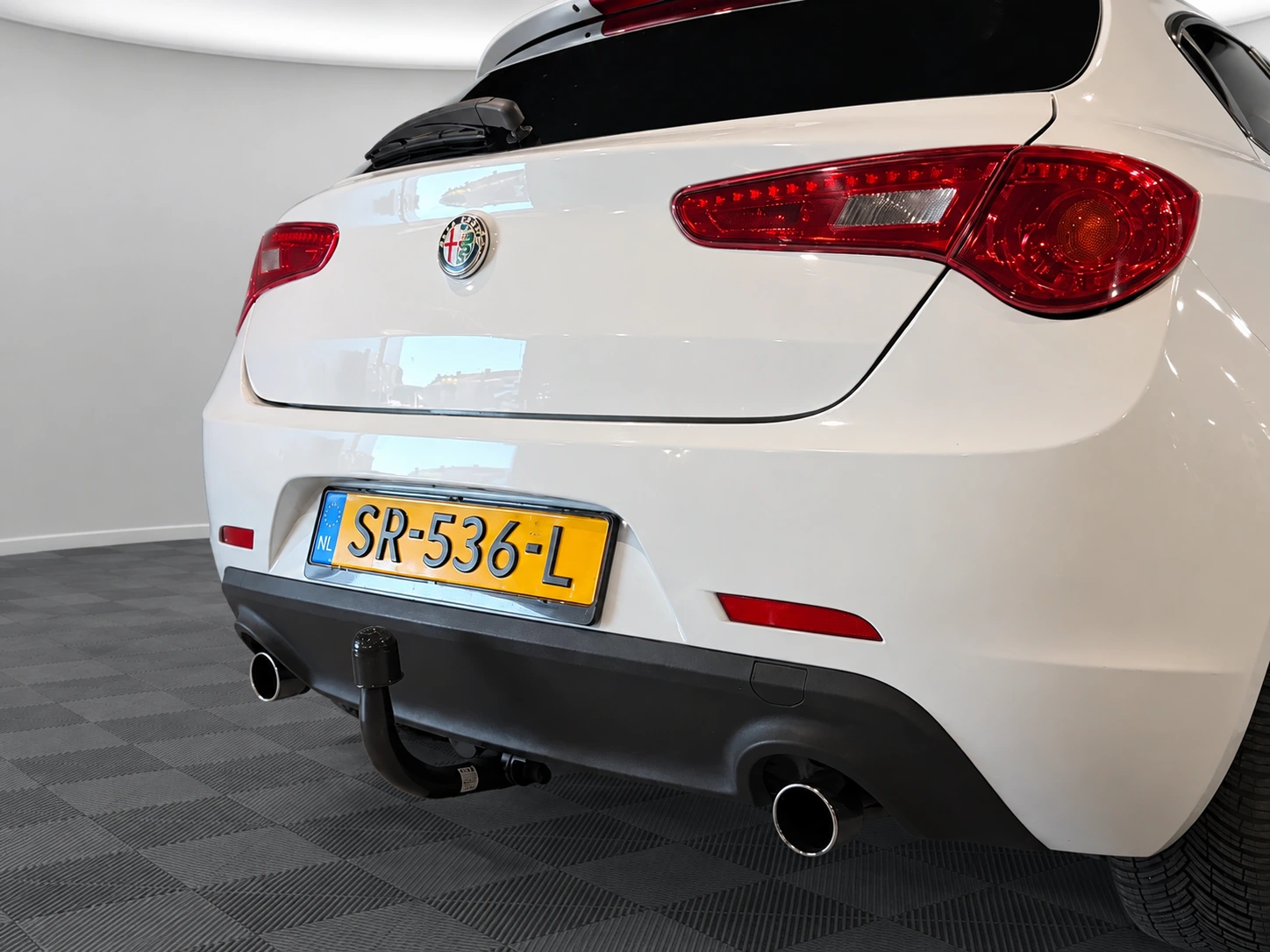
From dealer plate to interior. A workspace where you control the finishing touches.
This example keeps the original registration plate. A dealer plate is optional in the studio.

Our own interior photo, with a new setting outside the windows. The cabin remains the reference; always check every detail.
A format preview. Choose your output before editing your own photo.
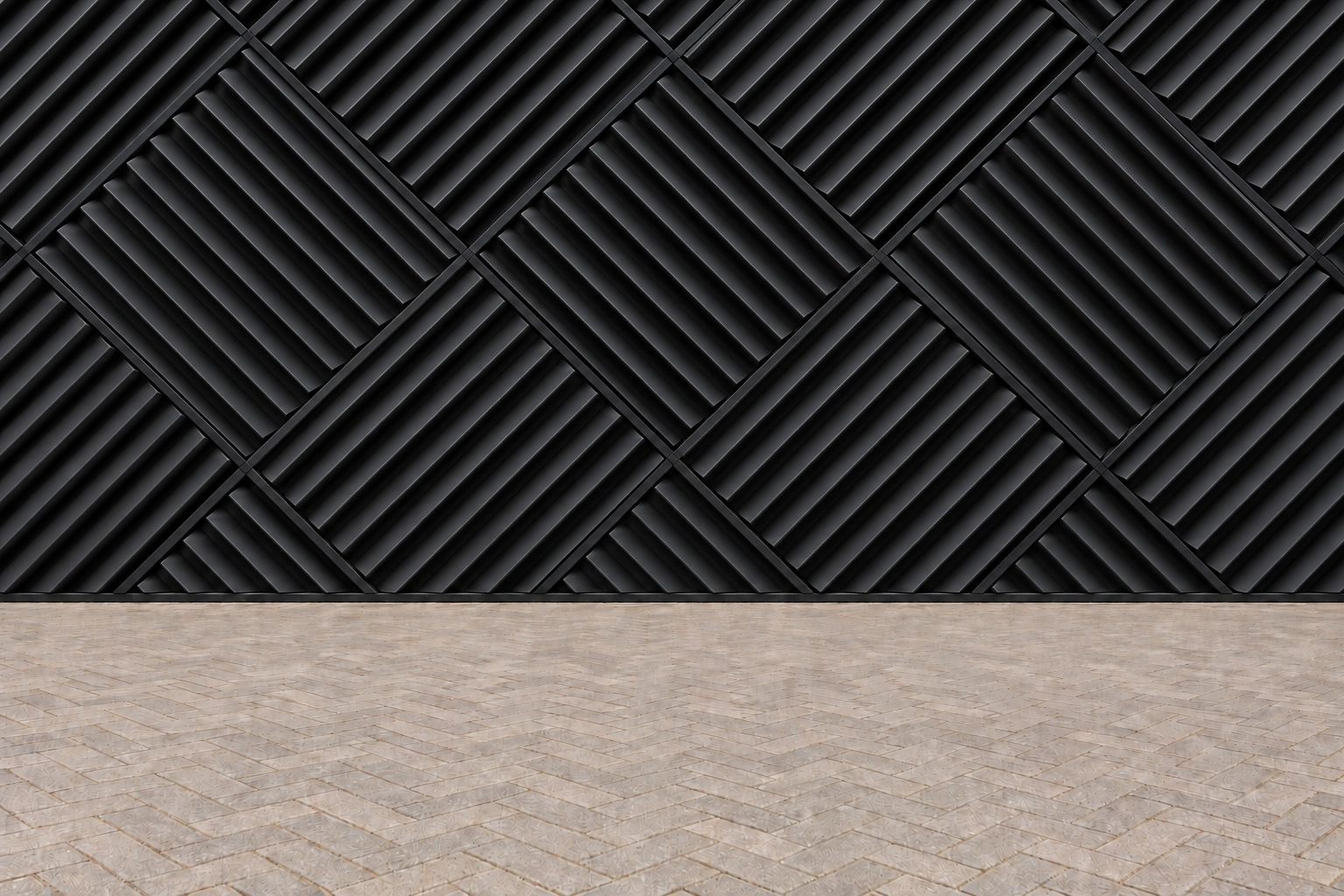 Black Chevron · new collection
Make the studio your own. Your logo on the back wall, matched to the perspective and lighting.
Explore branding options
Dark rubber tiles. Soft light. All attention on the car.
View this studioChoose a plan that fits your inventory. Then create an account and complete your order securely.
Slide to your expected volume.
For the independent specialist.
For inventory that keeps moving.
For teams with higher volumes.
Your plan selection is saved while you log in or create an account. A delivered result costs one credit; a technical failure does not. Unused monthly credits expire when the next allowance period begins.

The workshop is full. The next car is waiting. You need inventory photography that simply works.
That’s where 123CarStudio starts: with a photo you already have and a presentation that fits your business.
From the workshop to the software.
Founder
Co-founder

Developer
Select up to twelve photos, check the crop and choose your background. Photos are stored privately and processed only when you click Process. Then compare and review each result before downloading it.
The edit focuses on the background. The model is instructed to preserve the car, colour, wheels, camera angle and visible condition. Generative AI can make mistakes. Compare every vehicle detail with the original and never publish a result that misrepresents the car.
Interior photos have a dedicated mode. Detail photos retain their original setting. Choose the correct mode and review the result before using it.
You can configure a wall logo and dealer plate in the studio. The plate uses either your logo or custom text. Wall logos work only on suitable studio backgrounds, not in natural settings.
JPG/JPEG, PNG and WebP up to 25 MiB and 40 megapixels per photo. Export DNG, RAW and HEIC as JPG first. Photos are cropped by default; use the crop icon to adjust the crop or keep the original ratio. Large files are optimised.
We securely reserve one credit when processing starts. A delivered result consumes that credit; a technical failure does not. Regenerating after a delivered result costs another credit. Contact support if a result is unusable.
Open Stripe’s secure billing portal from Subscription in your account. There you can find invoices, payment details and cancellation options. Your paid period continues until the stated end date.
No. Your account projects and stored photos are private. Download results you want to keep; the subscription is not an unlimited photo archive. Our privacy policy explains storage, retention and service providers.
Tell us about your dealership. We’ll explore how 123CarStudio fits into your working day.
 Provided by 123automatch B.V.
From a photo on the forecourt
to a consistent inventory.